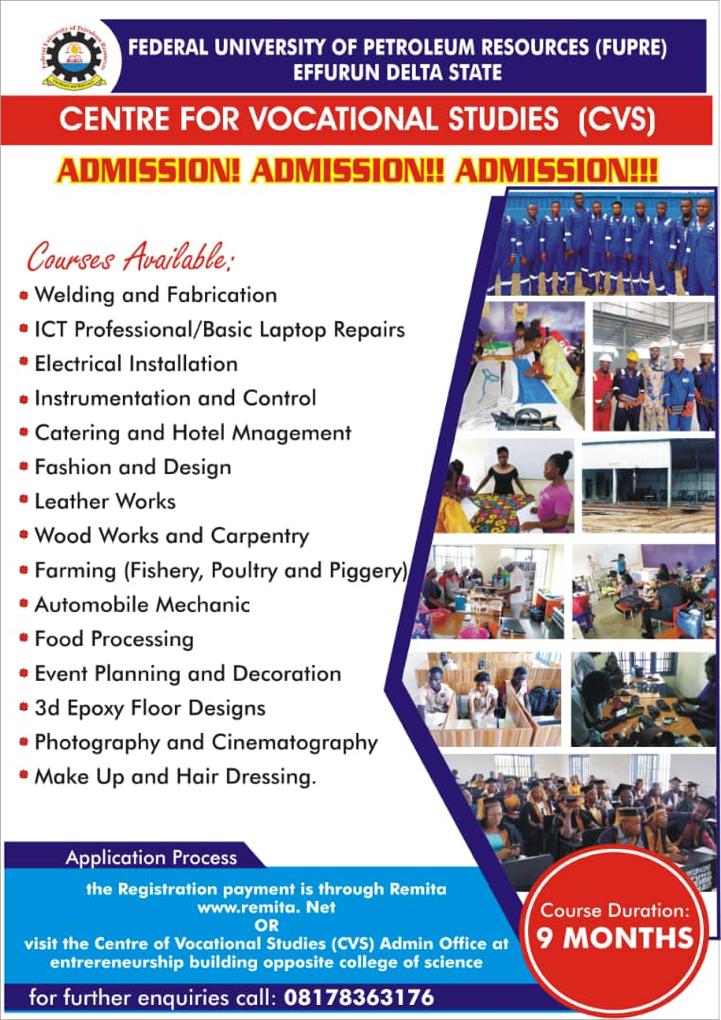
PROCEDURE FOR MAKING PAYMENT TO CENTRE FOR VOCATIONAL STUDIES (CVS) THROUGH REMITA
1. The payment gateway is through REMITA and it is accessed on www.remita.net.
2. When the REMITA opens, go to “Pay TSA and State” and click on it. This takes you to a page where you will see Federal Government and other states, then click on Federal Government of Nigeria. You can then complete the mandatory payment fields that are required under pay a biller which includes:
Who do you want to pay? select Federal University of Petroleum Resource.
Name of services/purpose: Click on the drawn down and select FUPRE CVS Registration.
click on the amount box N10,000.
Put the name of the payer and its phone number in the field provided. Key in your email address.
Click on I am not a robot box and submit
3. When the above is completed, the RRR (Remita Retrieval Reference) is automatically generated, which required to complete the payment process in either way.
4. The options available for a payer to pay include:
Card (your ATM Card)
Bank Account
Bank branch (any Commercial Bank close to you)
USSD
Internet Banking
Remita
Wallet
Phone number
5. After a successful payment kindly summit a copy of your payment receipt to the Centre for Vocational Studies (CVS) Admin Office, Entrepreneurship building opposite College of Science or call 08178363176.